

Get more from your Auckland Explorer Tour!
Enjoy our Hop-on Hop-off Auckland Explorer Bus sightseeing tours in your own language with ease with our GreatSights NZ Tour Commentary app. We currently have five languages available for our tour commentary, so download the app and enjoy the many wonders and attractions of New Zealand’s largest city.
How do I listen to the Explorer Bus commentary in my language?
You will need to use your mobile device to download the app from your device’s app store.
You will also need a pair of headphones to listen to the audio translations. If you do not have your own headphones, are hard of hearing/deaf, or simply wish to read our tour commentary, transcriptions are also available in the app.
Languages Available
English
Chinese
Japanese
Spanish
German
1. Download the App
Click this link, or navigate to your device’s app store, or scan the QR code in our buses to download the GreatSights NZ Tour Commentary app.
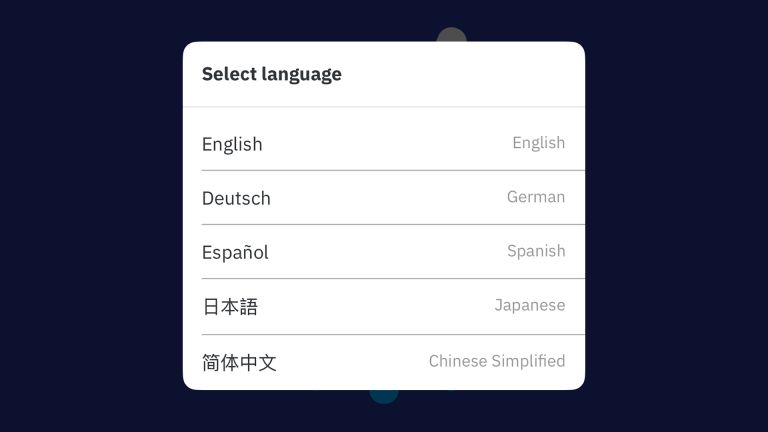
2. Select your language
Of the five available, please select your preferred language.

3. Select your Tour
Select “tours” then navigate to the Auckland Explorer Bus Hop-on Hop-off Sightseeing Tour and download the content.
You will need to be connected to Wi-Fi to download the tour. Once it is downloaded, you won’t need any mobile data or even service during the tour. If you forget to download the tour, no worries! Our Explorer buses offer free Wi-Fi onboard.
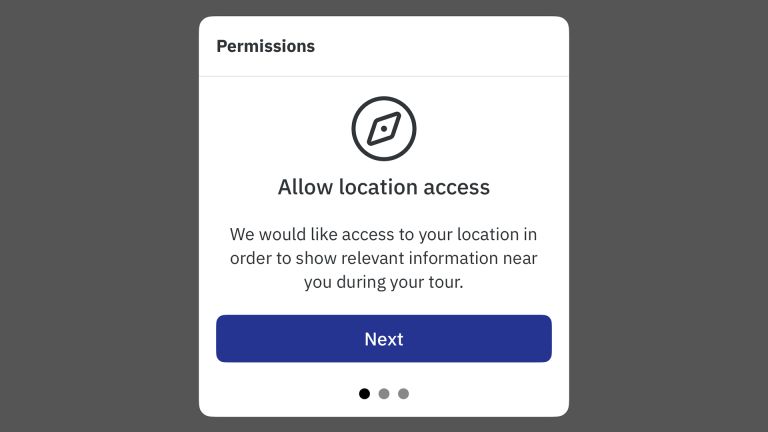
4. Enable GPS Location Tracking
Please click “allow” when the app prompts you to enable your device’s GPS location tracking, and follow the on-screen instructions.
Our app uses your location to ensure the correct audio plays when it’s supposed to on the tour. We wouldn’t want to mix up the Museum with the Art Gallery!
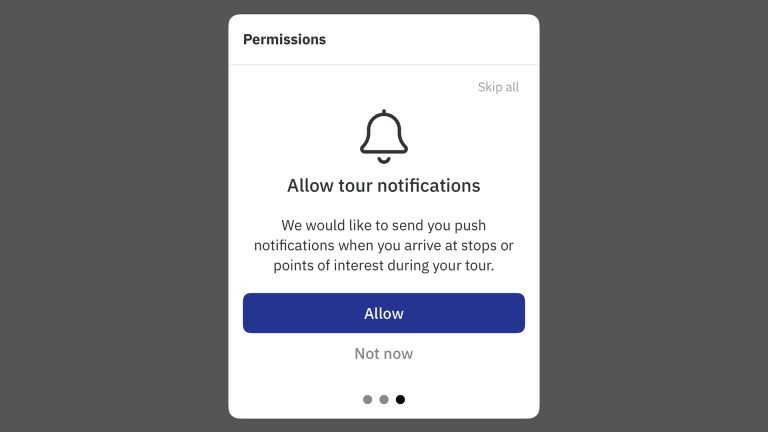
5. Notifications
Next, you will be prompted to allow tour notifications. These notifications will allow us to inform you about upcoming stops and areas of interest you pass.

6. Enjoy the Tour!
Plug in or connect your personal headphones to your device and enjoy the tour. You can start, stop, pause, or replay the audio at any time.
*Please do not listen to the audio without headphones / on your device’s speakers, as this is disruptive to other passengers on the tour.
FAQs
Here are some of our frequently asked questions regarding the GreatSights NZ Tour Commentary app. If your question is not answered here, please feel free to contact us. We are happy to help!
Yes, you will need to use your own headphones if you would like to listen to our audio translations.
This is to minimise disruption to other passengers and will allow you to fully immerse yourself in the stories of Auckland.
Yes! Once you’ve downloaded the tour using Wi-Fi, you won’t need any mobile data or even cell service during the tour. The app works offline using GPS, which is free to use.
If you need to download the app, our Explorer buses have free Wi-Fi!
Yes, transcriptions of the tour commentary are available in all our languages within the app.
Our app uses your device’s location for our GPS map and to ensure the correct audio plays when it’s supposed to on the tour. We wouldn’t want to mix up the Museum with the Art Gallery!
You can change this setting any time from your device’s personal settings.
Listen in your language today!
Download our GreatSights NZ Tour Commentary app, then sit back and relax as you learn about the history and landmarks of Tāmaki Makaurau Auckland. If you have any other questions or need more help with our app, contact us.